Leadership · 2025
The quiet discipline of leading design teams
Great design leadership is mostly invisible: protecting focus, removing friction, and making space for people to do the best work of their careers.
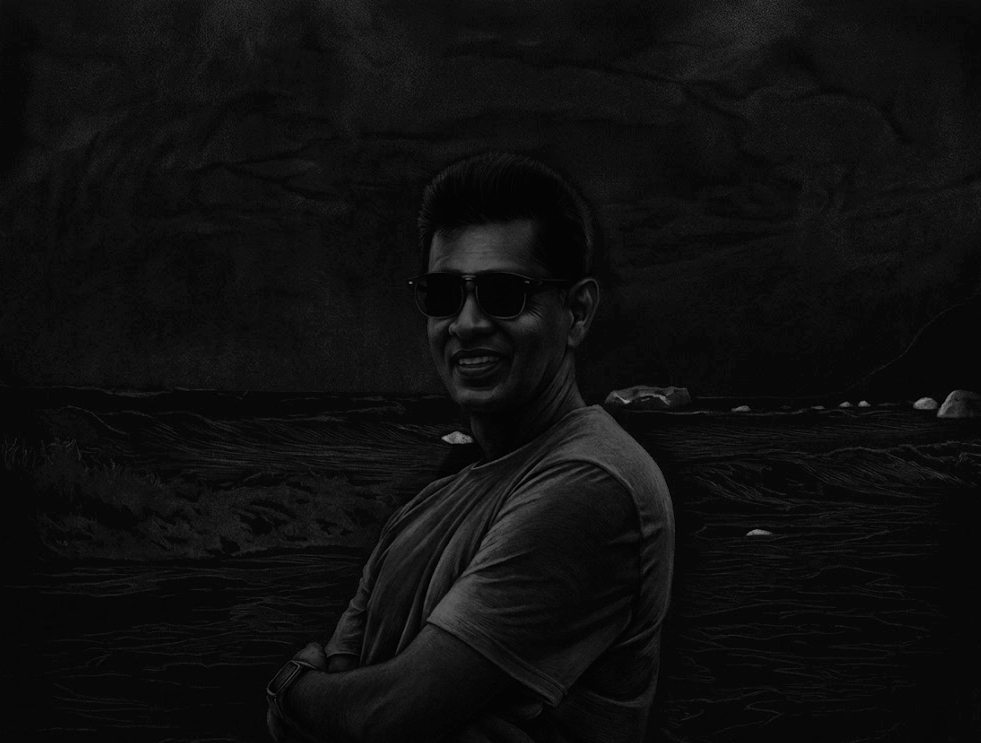
Artist, UX leader, product designer and photographer exploring the intersection of technology, creativity and human experience.
Good design solves problems.
Great design creates meaning.
My work lives in the balance between human needs, business goals and artistic expression. I believe the most lasting experiences are the ones that feel inevitable — clear, calm and quietly emotional. Whether it's an enterprise platform or a single photograph, the intent is the same: to make people feel understood.


For more than twenty years I've been the person teams call when the software is powerful but the experience is painful. I lead design that turns tangled enterprise problems into things people genuinely enjoy using.
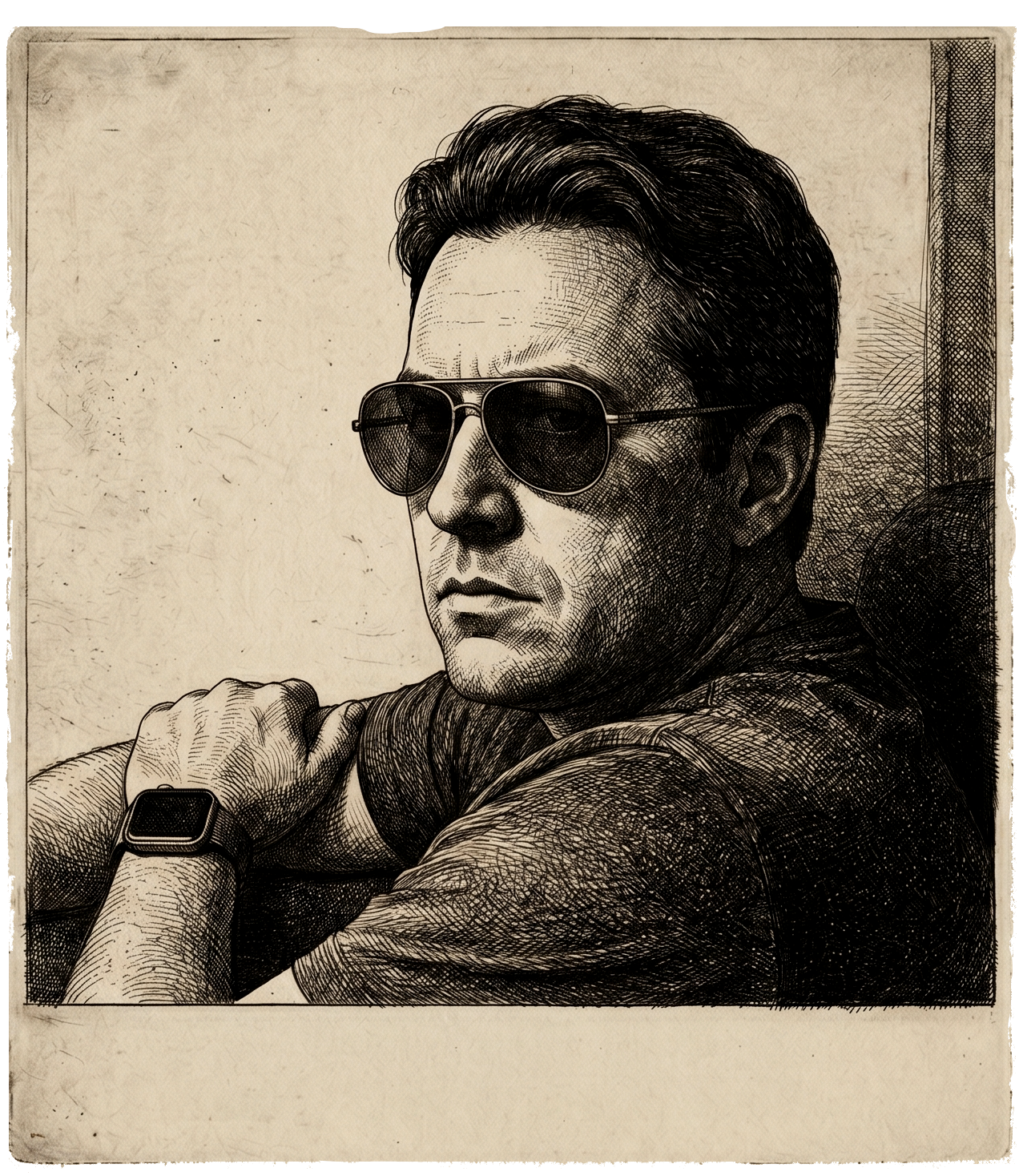
Today I'm Chief Experience Officer at Smartapp.com, where I lead the UX division and steer R&D teams folding AI, VR, IoT and data visualization into enterprise software that has to work on real jobsites. Before that, I spent years shaping mobile and enterprise experiences at Wipro, Nokia and HP — for Fortune 500 clients across Europe, the Americas and India.
My approach is stubbornly user-centered: listen first, frame the real problem, prototype quickly, and let evidence — not opinion — guide the next move. I care just as much about the team as the work, because the best design happens when good people are given room to do their best.
I'm also a printmaker and photographer, trained at the Royal College of Art in London and the Faculty of Fine Arts in Baroda. That studio discipline — patience, iteration, working within constraints — quietly shapes everything I design.
Leading the global UX division and modernizing design standards across mobile and desktop enterprise apps, while directing cross-functional R&D teams adopting AI, VR, IoT and advanced data visualization into scalable automation.
Architected high-impact UX for complex web applications and content management systems for elite global clients — owning the design lifecycle from research through real-time alerting systems and varied mobility platforms.
Drove Symbian mobile device UX and operator-customization solutions for major telecom giants across Europe and the Americas, integrating enterprise communication and multimedia apps onto mobile operating systems.
Directed global UX initiatives including the HP Americas Partner Portal and dynamic pricing tools, and managed lifecycle UX for digital media products through functional architecture, high-fidelity prototyping and remote usability testing.
Pivotal roles across Zensutra Software, Trygin Technologies and Indya.com — building foundational expertise in user-centered UI design, collaborative web platforms and interactive multimedia projects.
Open to leadership roles, consulting, speaking and creative collaboration.
For two decades I've built and led UX teams shaping enterprise platforms, mobile devices and AI products for Fortune 500 clients — translating tangled business needs into experiences that feel effortless.
Building, mentoring and aligning global design teams around a shared standard of craft and intent.
Grounding every decision in real user behaviour through interviews, usability testing and field study.
Designing for trust, transparency and control as intelligent systems become collaborators.
Taming dense, data-heavy workflows into calm, learnable systems people trust to do their jobs.
Scalable foundations of type, color and components that keep large products coherent.
From Symbian devices to connected jobsites — experiences that work in the real world.
A selection of enterprise and AI product case studies. Click any case to read it full screen.
Immerse in users, context and constraints before forming a single opinion.
Frame the real problem and the outcome that matters to people and the business.
Prototype quickly, test honestly, and refine toward something that feels inevitable.
Ship with engineering, measure impact, and let evidence guide the next loop.
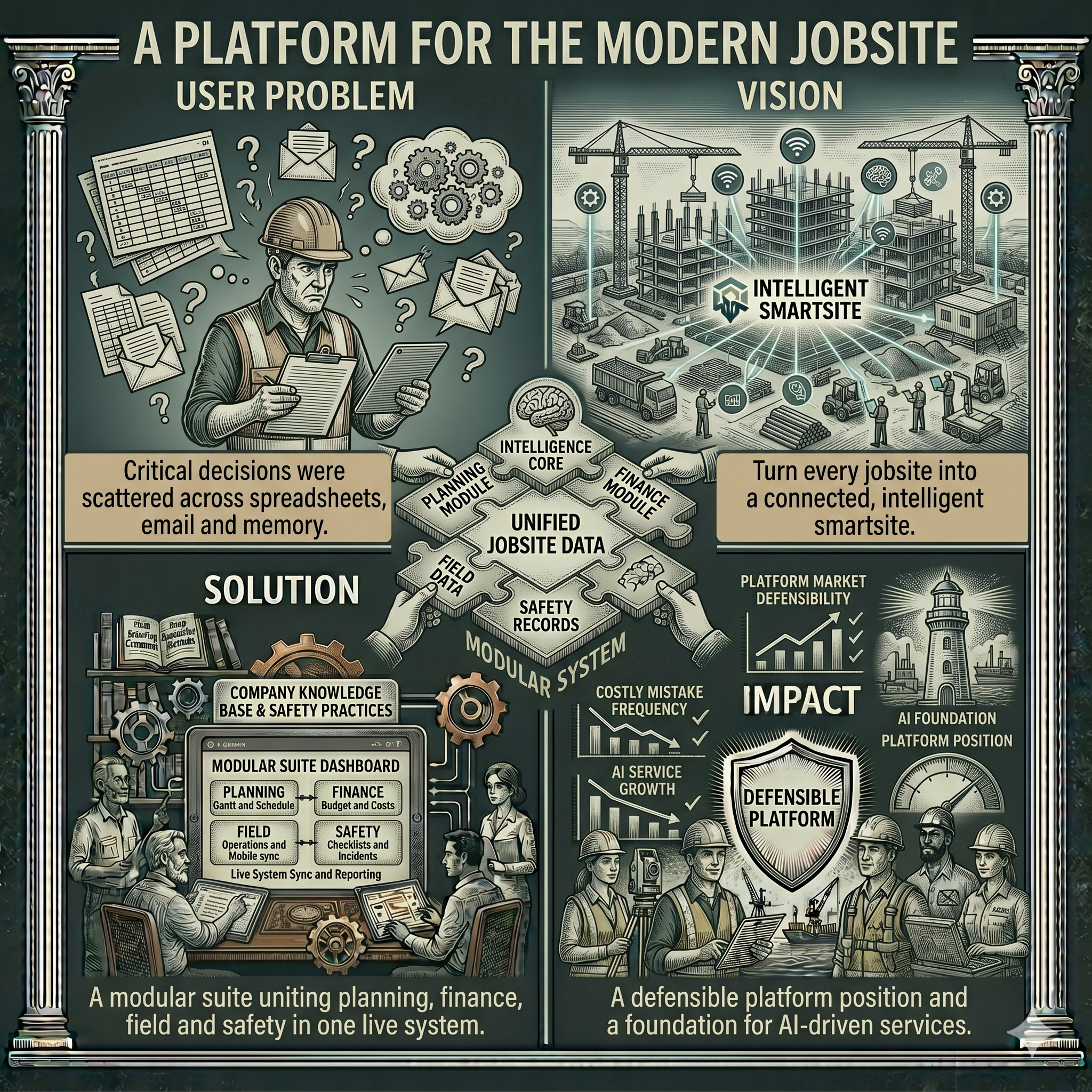
Teams juggled a dozen disconnected tools to plan, finance and run construction projects.
Mapped the end-to-end project lifecycle and designed one modular surface with shared chrome and vocabulary.
A coherent multi-module platform adopted across planning, finance, field and safety.
Faster onboarding, fewer errors, and a single source of truth crews actually trust.
Field teams were skeptical of AI answers they couldn't trace or verify.
Made sources visible, confidence legible, and gave users clear control to confirm or correct.
An assistant that explains itself — answers paired with the knowledge behind them.
Higher adoption and measurably more confident decisions in the field.
A designer's eye applied to the whole story — identity, voice, and the campaigns that carry a product from launch to loyalty. I shape how an enterprise platform looks, sounds and feels across every touchpoint.
Logos, marks and visual systems that scale from a favicon to a jobsite banner without losing their character.
A tone that sounds human and earns trust — turning technical capability into a story people actually want to hear.
Launch narratives, landing pages and content that move a product from first impression to adoption.
Color, type and motion guidelines that keep marketing and product speaking the same visual language.
Photography, illustration and layout direction that give a brand a consistent, intentional point of view.
Finding the one true thing a brand stands for — and making every decision answer to it.
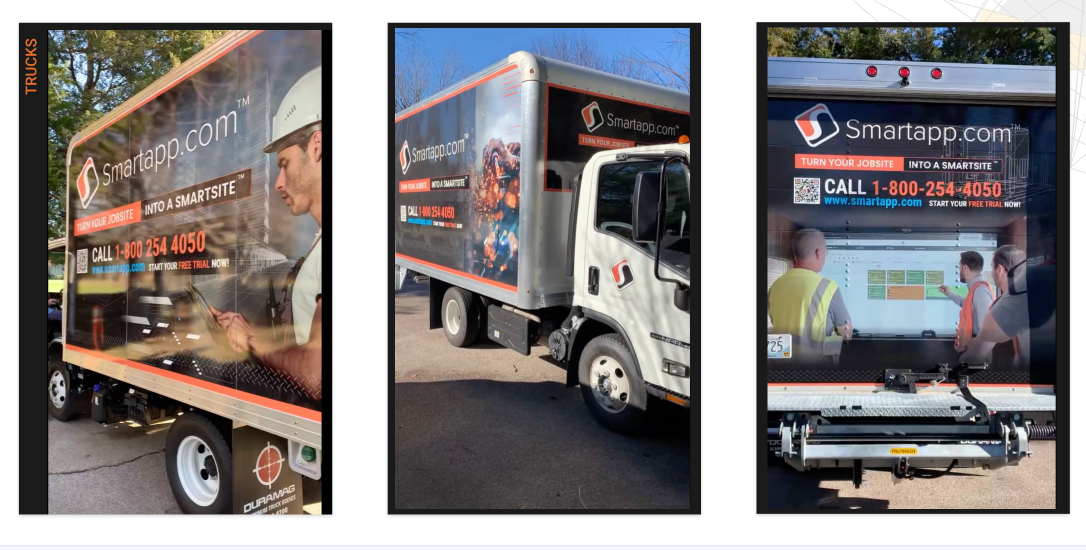
The Smartapp identity carried into the physical world — gear, fleet and field kit that turn a logo into a presence on site.
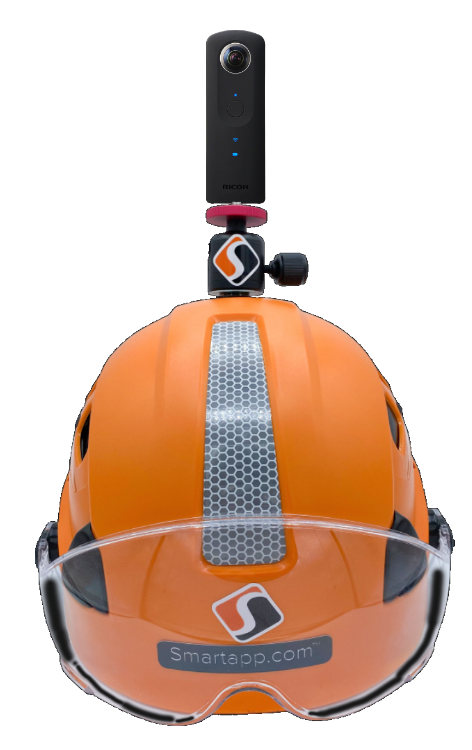
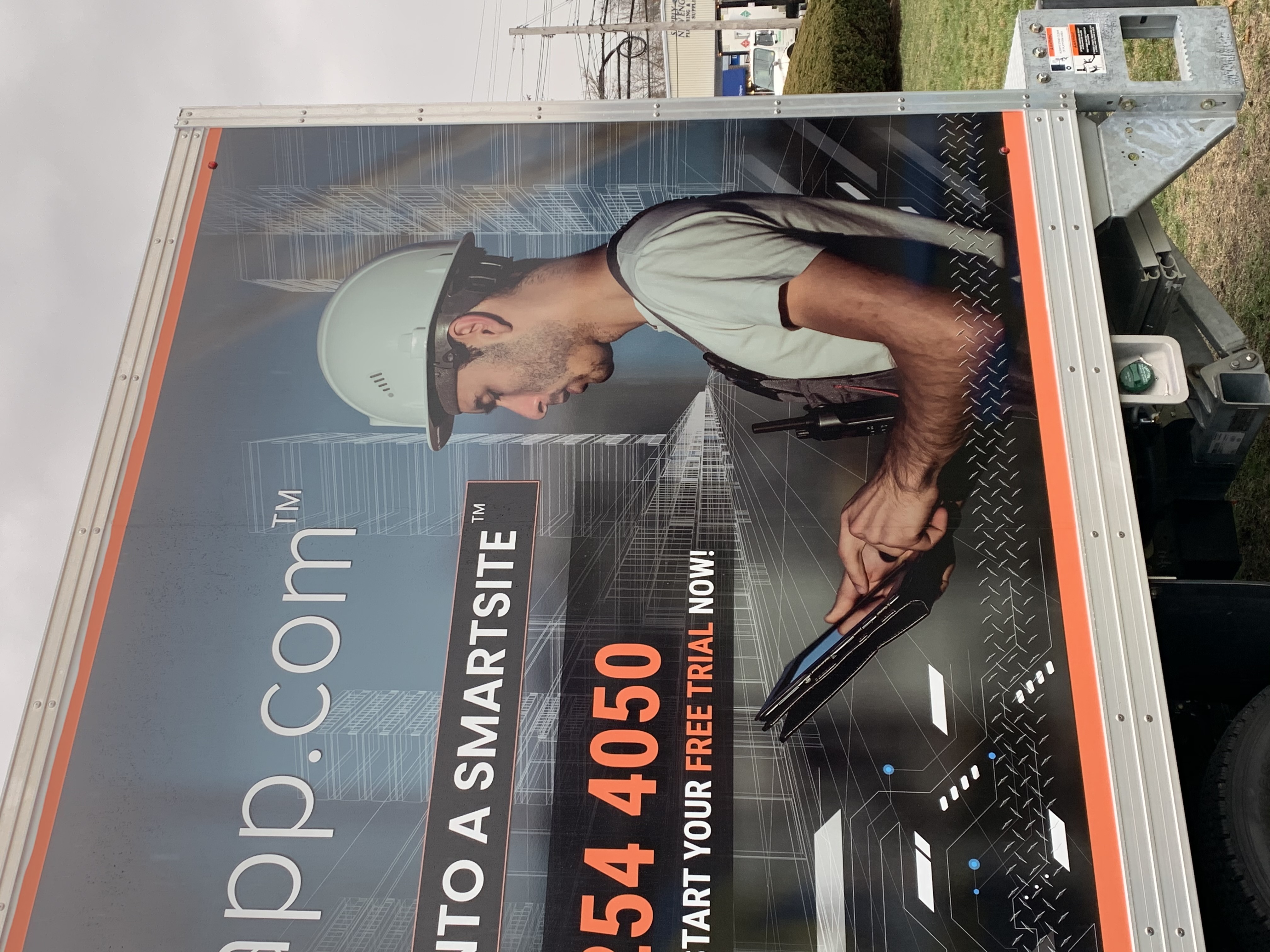
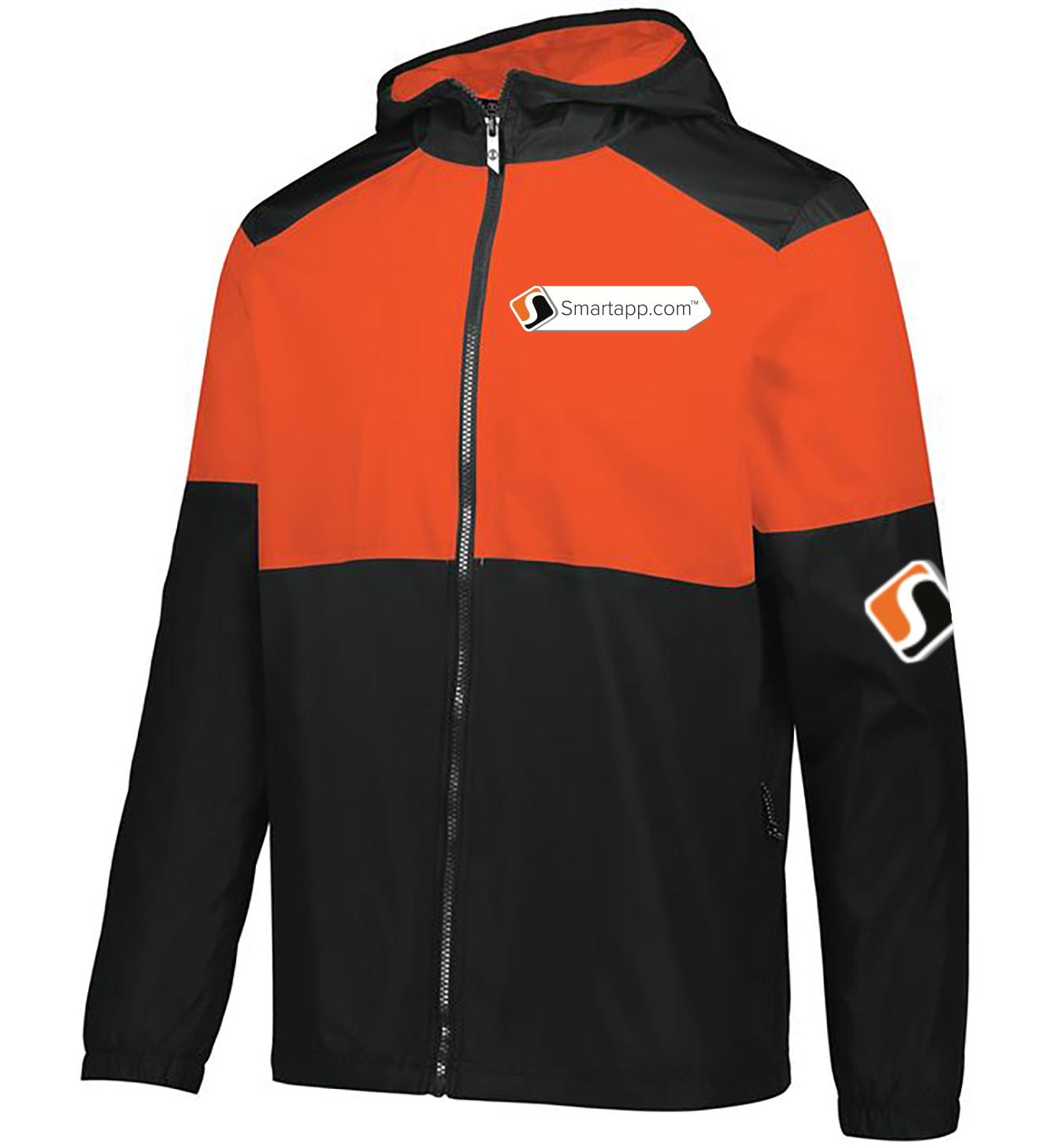
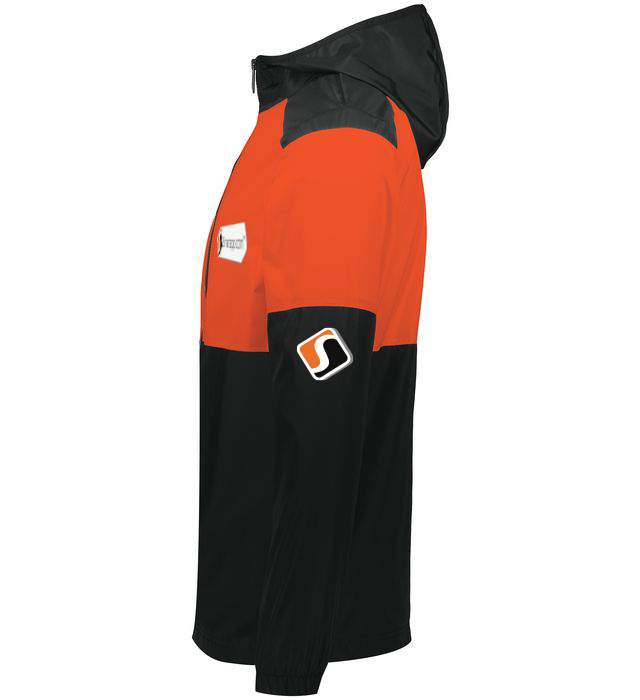
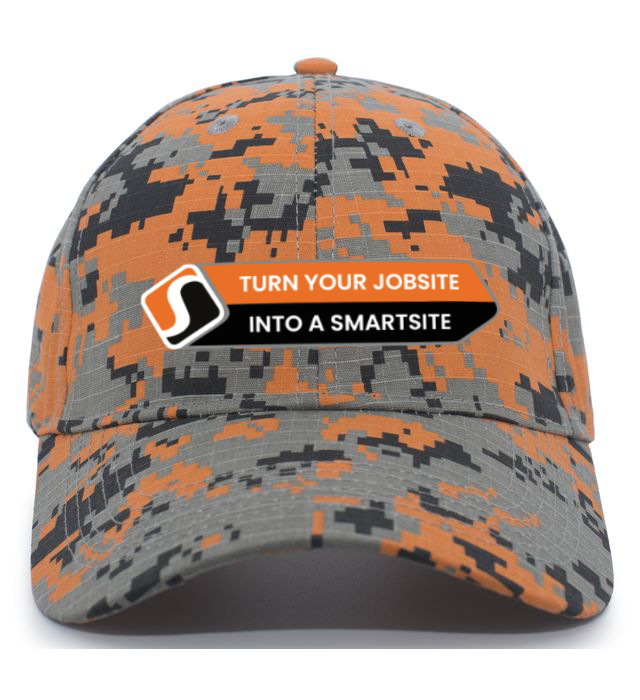
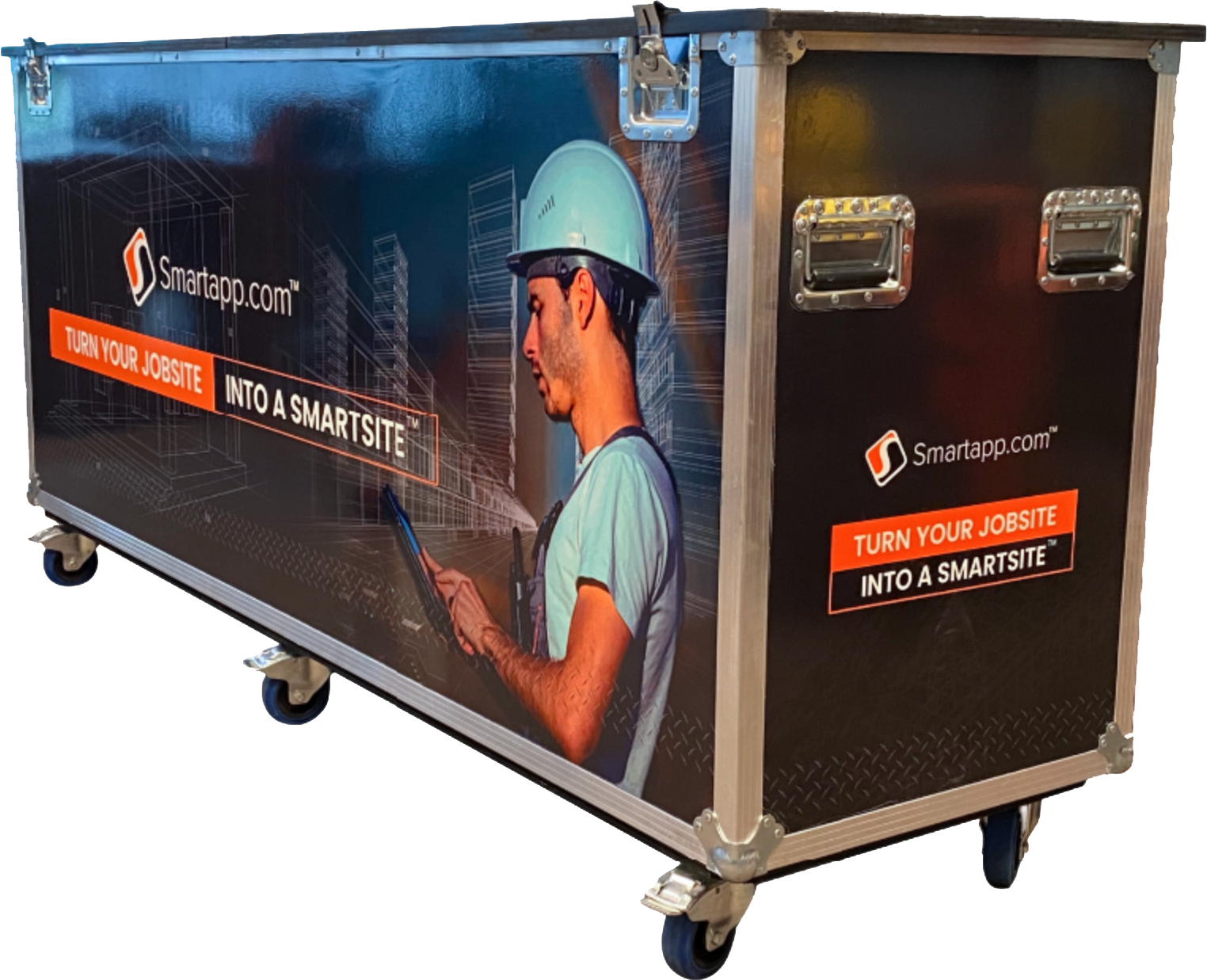
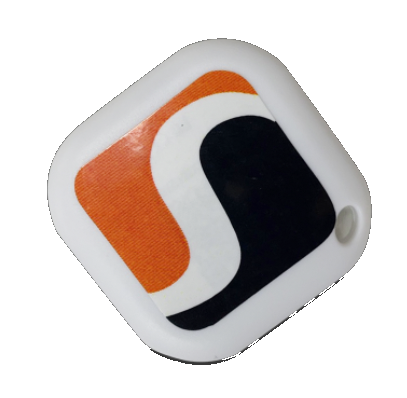
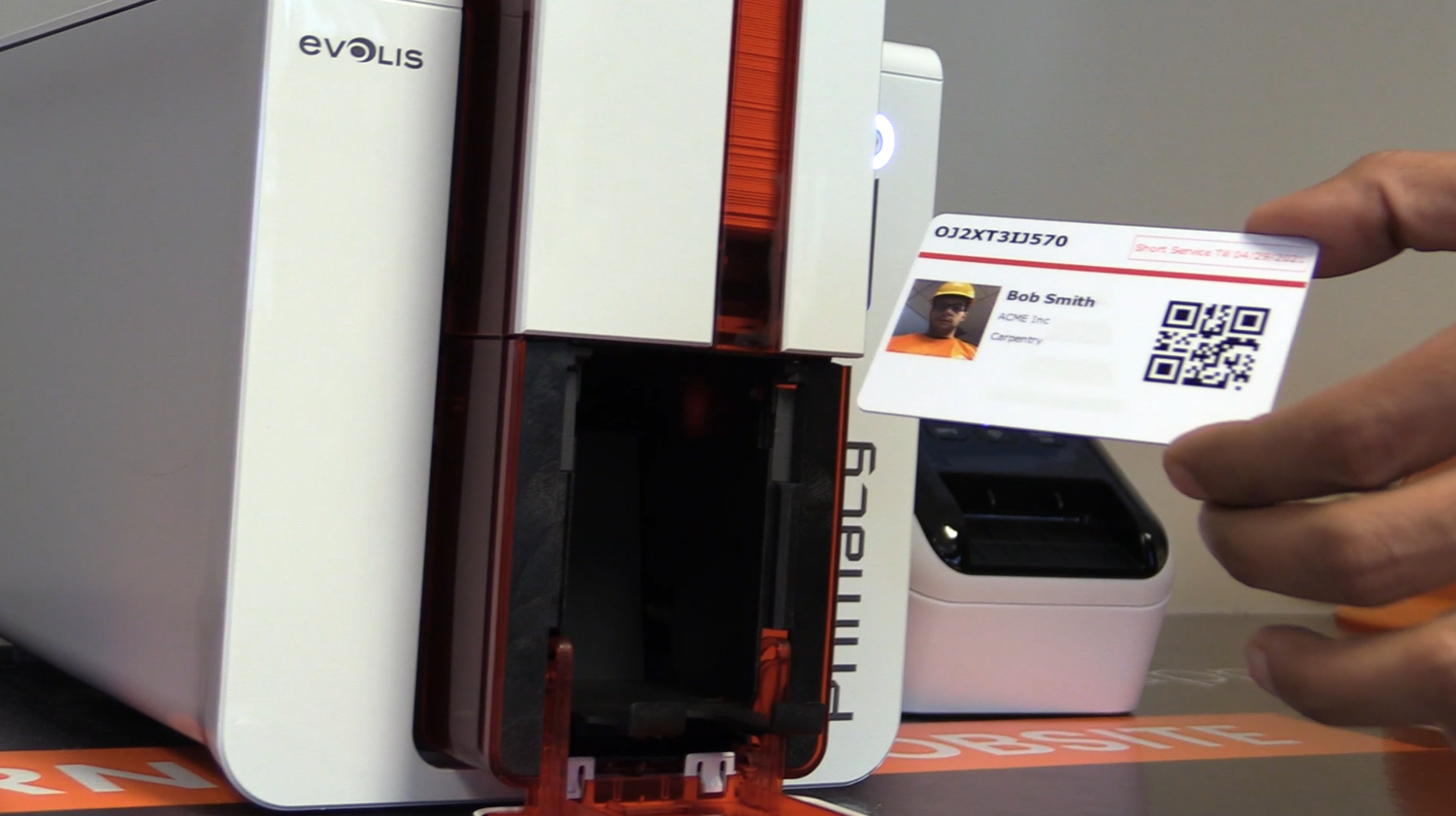
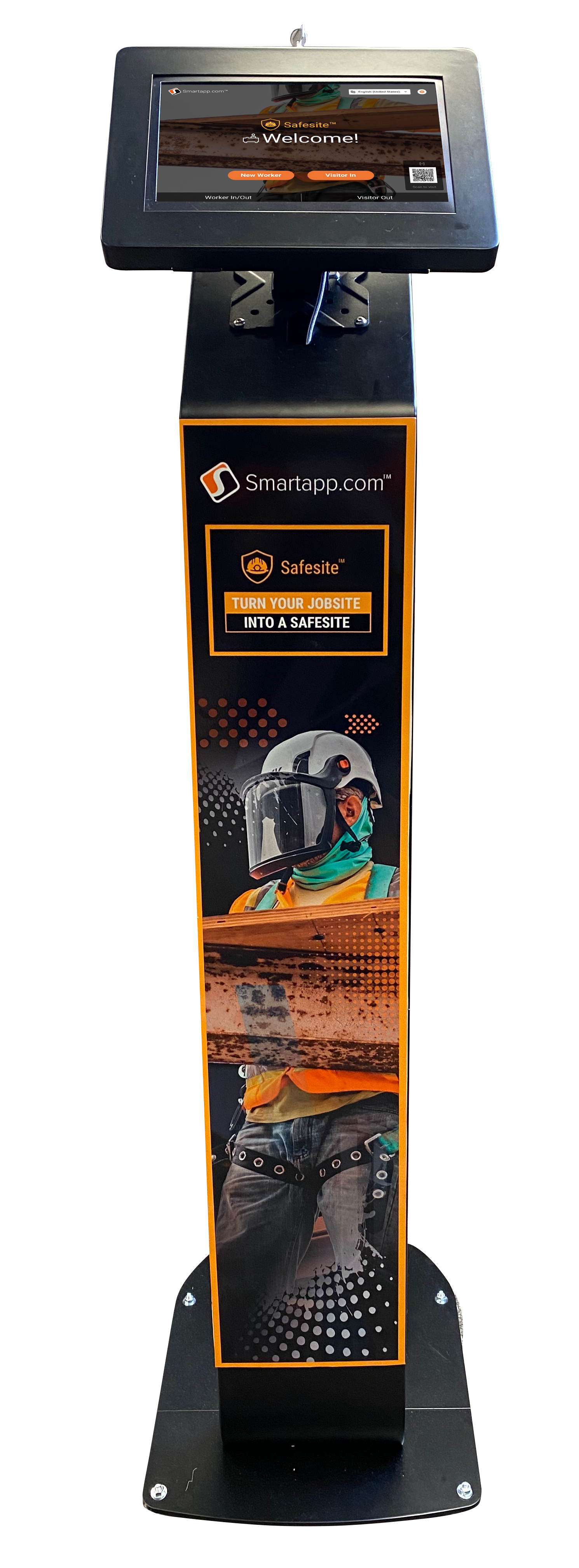
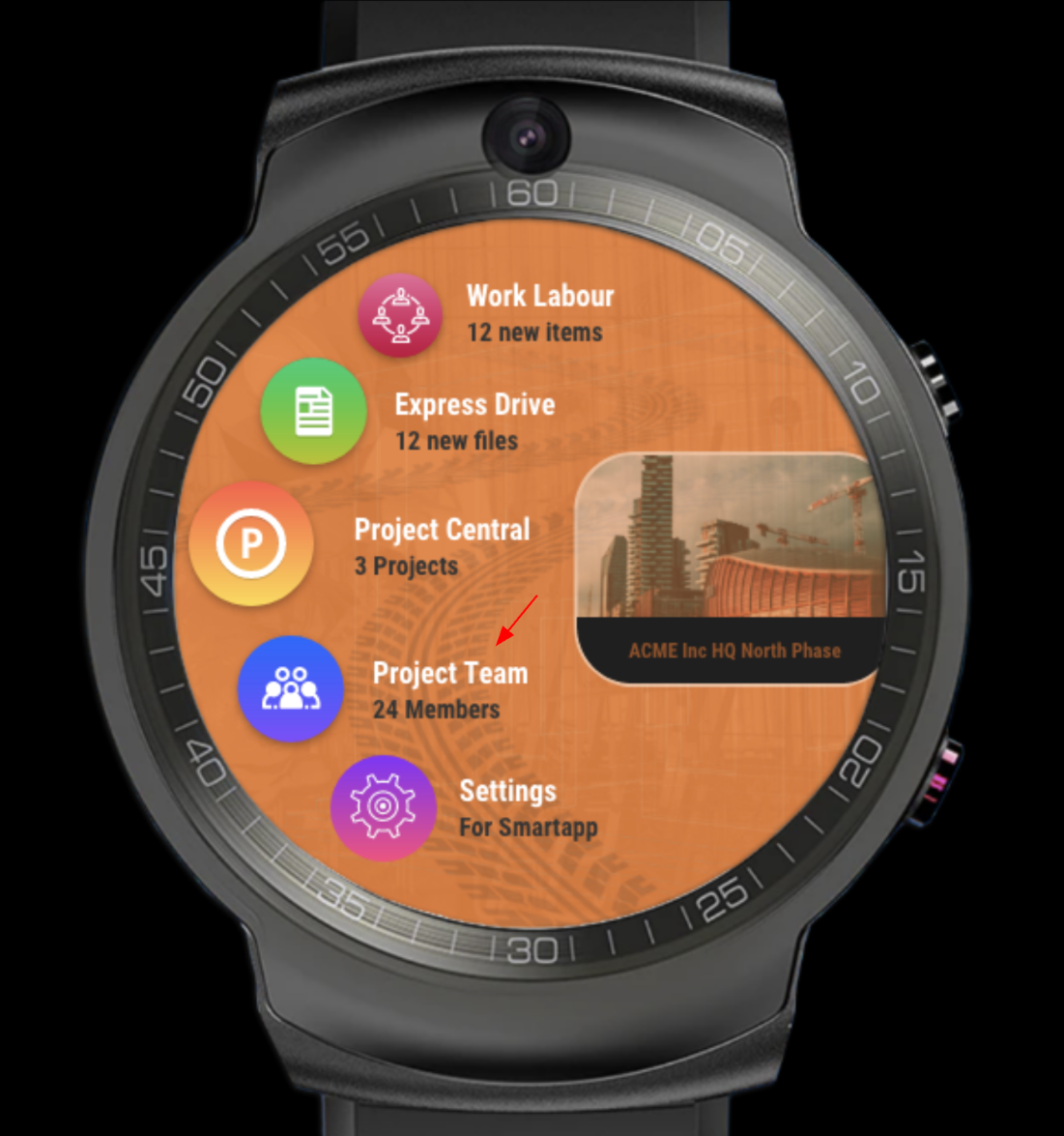
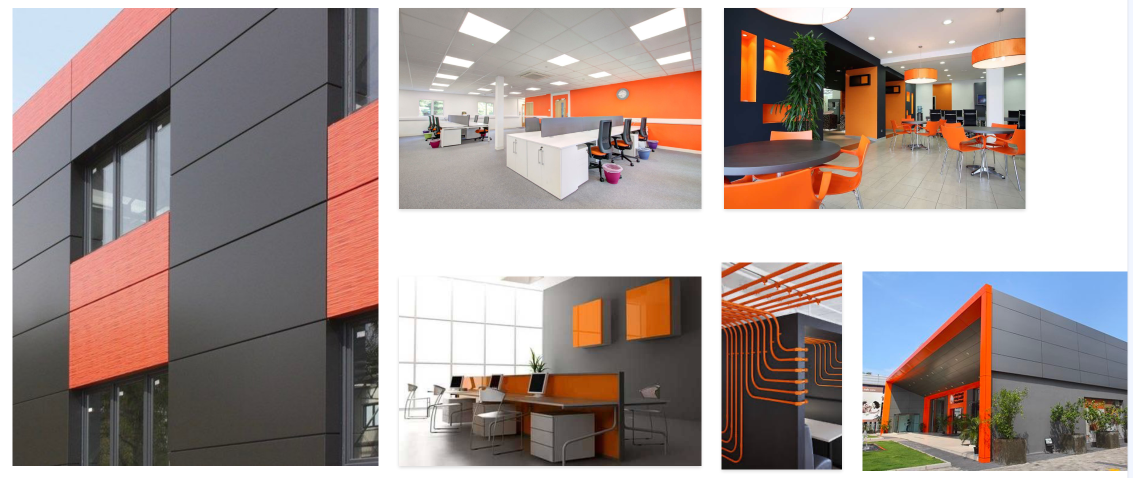
The same orange-and-graphite system scaled up — workspaces, façades and a wrapped fleet that make the brand impossible to miss long before anyone opens the app.
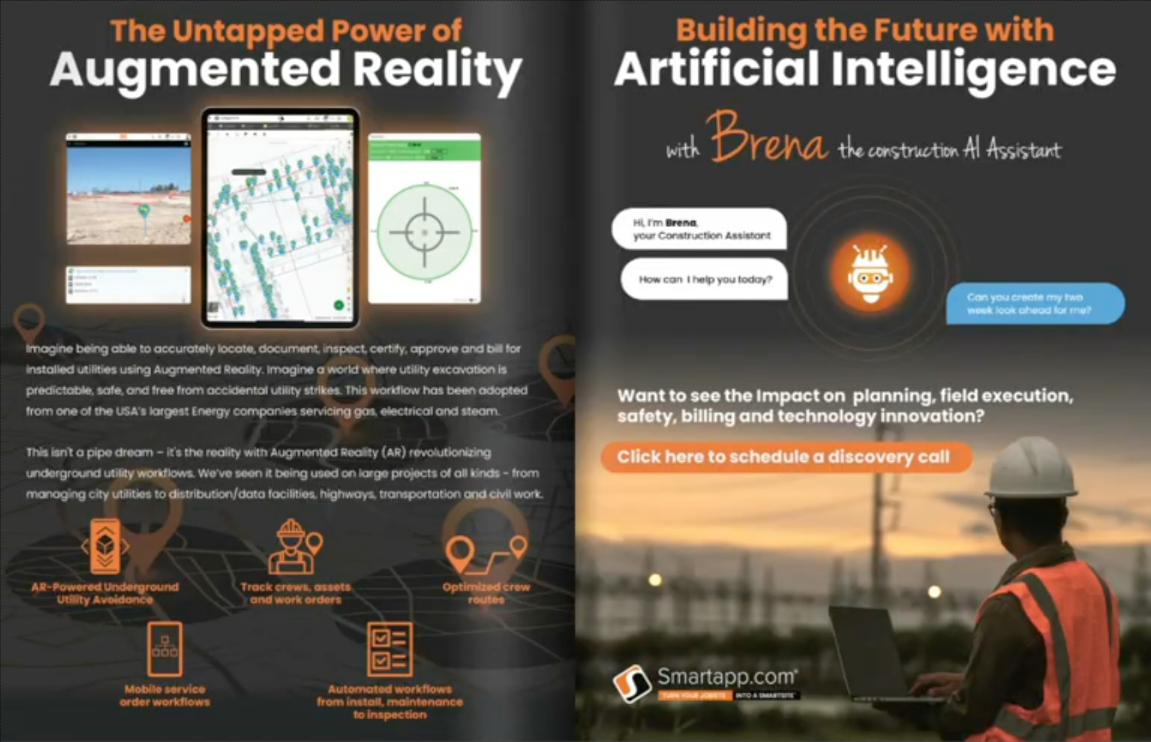
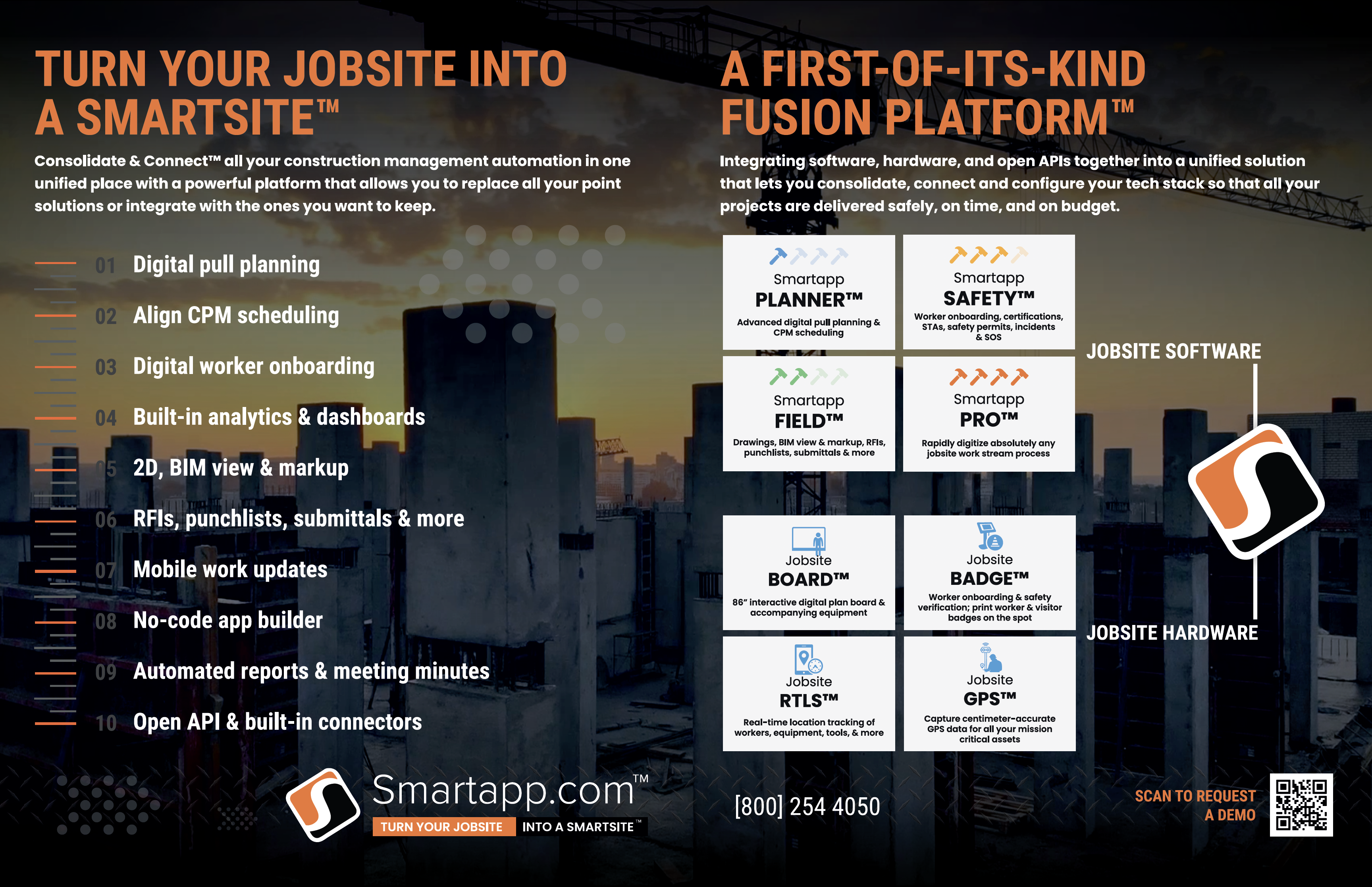
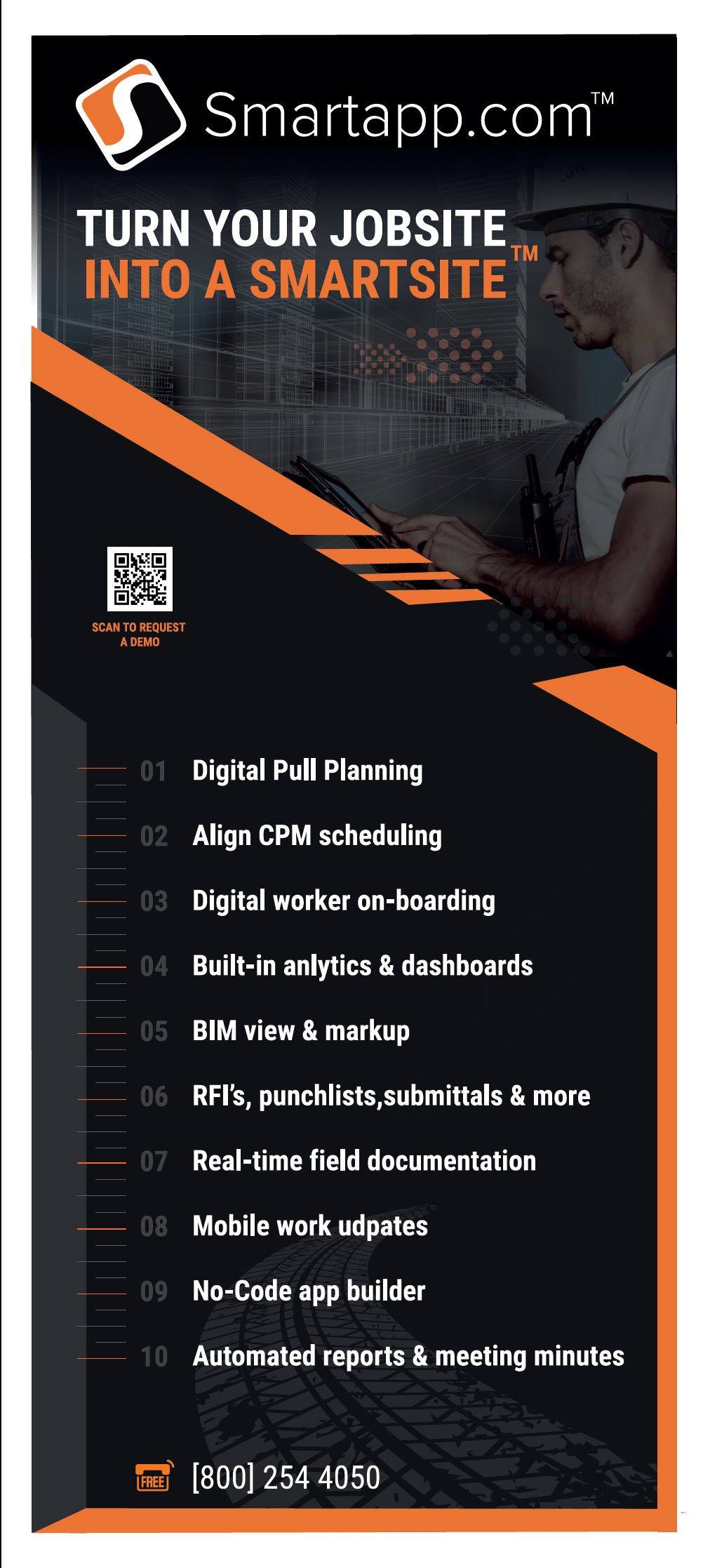
Trade ads and event collateral that carry the SmartSite™ message off the screen — one consistent voice from a double-page spread to a pull-up banner.
Over two decades, my work has shaped products and campaigns for enterprises across telecom, technology and transport — from global giants to category leaders.















A brand isn't a logo.
It's the promise people remember.
I think in products, not pages. The craft is connecting a real user problem to a viable business — and finding the smallest thing that proves the idea is worth building.
Outcomes over features — start from the job the user is hiring the product to do.
Bringing AI, VR and IoT into enterprise workflows that previously felt impossible.
Aligning design, engineering and business around one clear bet and a path to get there.
Standing up new products from a blank page — vision, prototype, first customers.
Shaping intelligent features that augment expertise rather than replace judgement.
Designing the moments that turn first use into habit, and habit into advocacy.
Turn every jobsite into a connected, intelligent smartsite.
Critical decisions were scattered across spreadsheets, email and memory.
A modular suite uniting planning, finance, field and safety in one live system.
A defensible platform position and a foundation for AI-driven services.
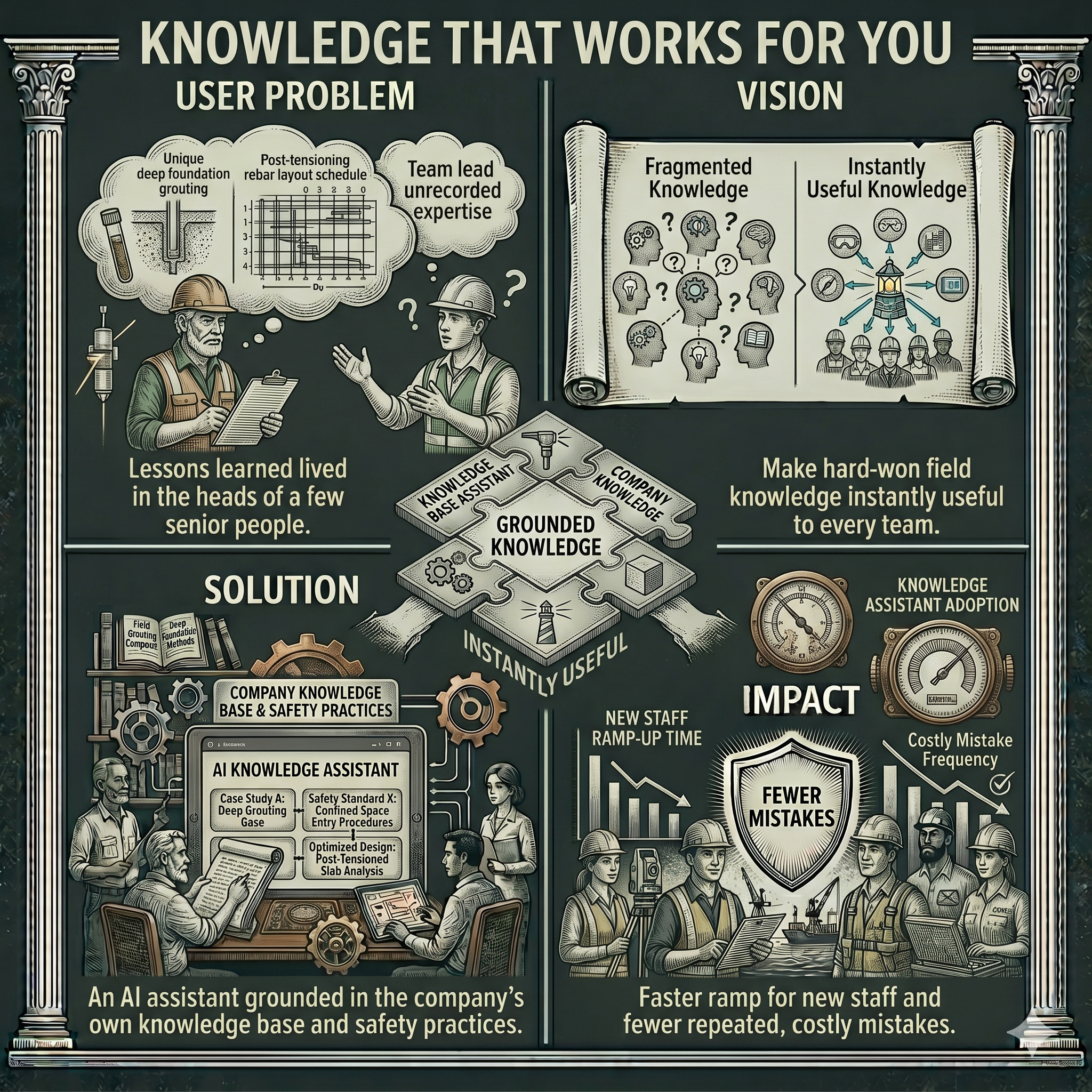
Make hard-won field knowledge instantly useful to every team.
Lessons learned lived in the heads of a few senior people.
An AI assistant grounded in the company's own knowledge base and safety practices.
Faster ramp for new staff and fewer repeated, costly mistakes.
Product design that reaches beyond the screen — wearables, kiosks, IoT tags, branded hardware and trade presence. Click any image to view full screen.
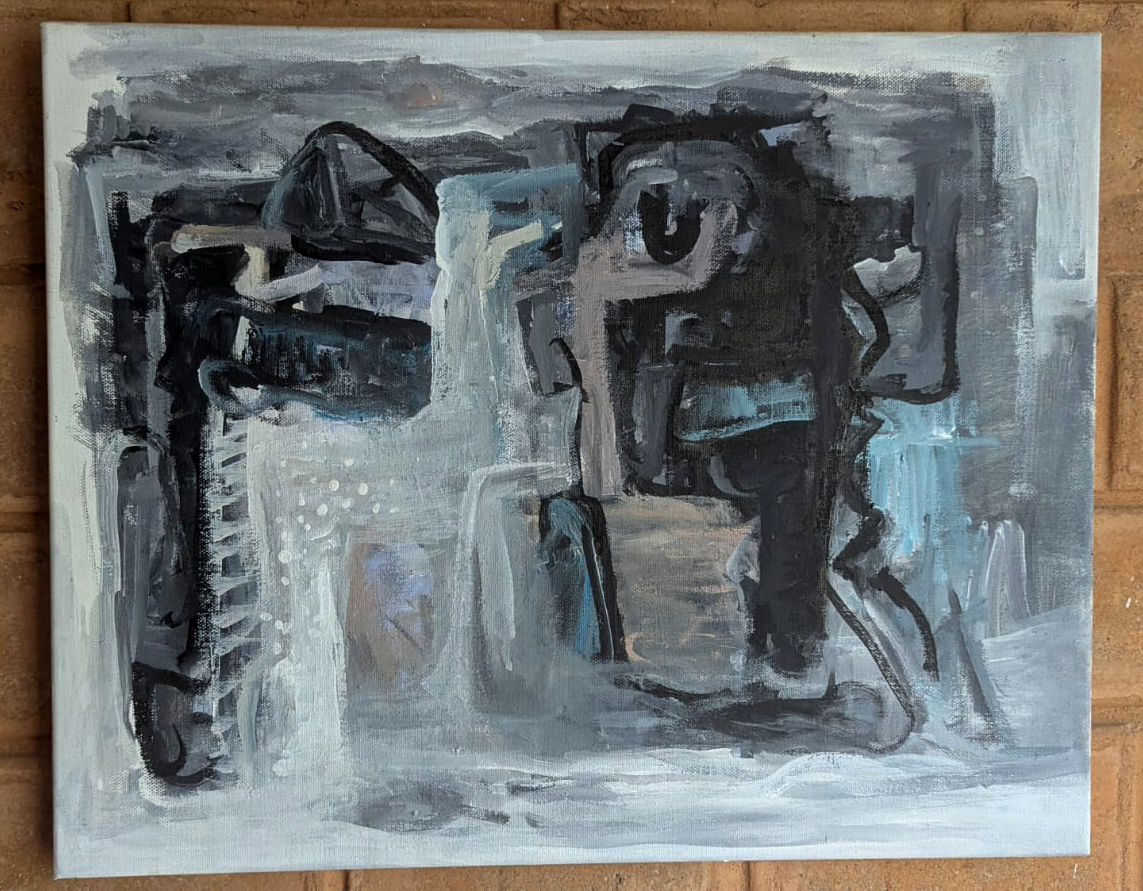
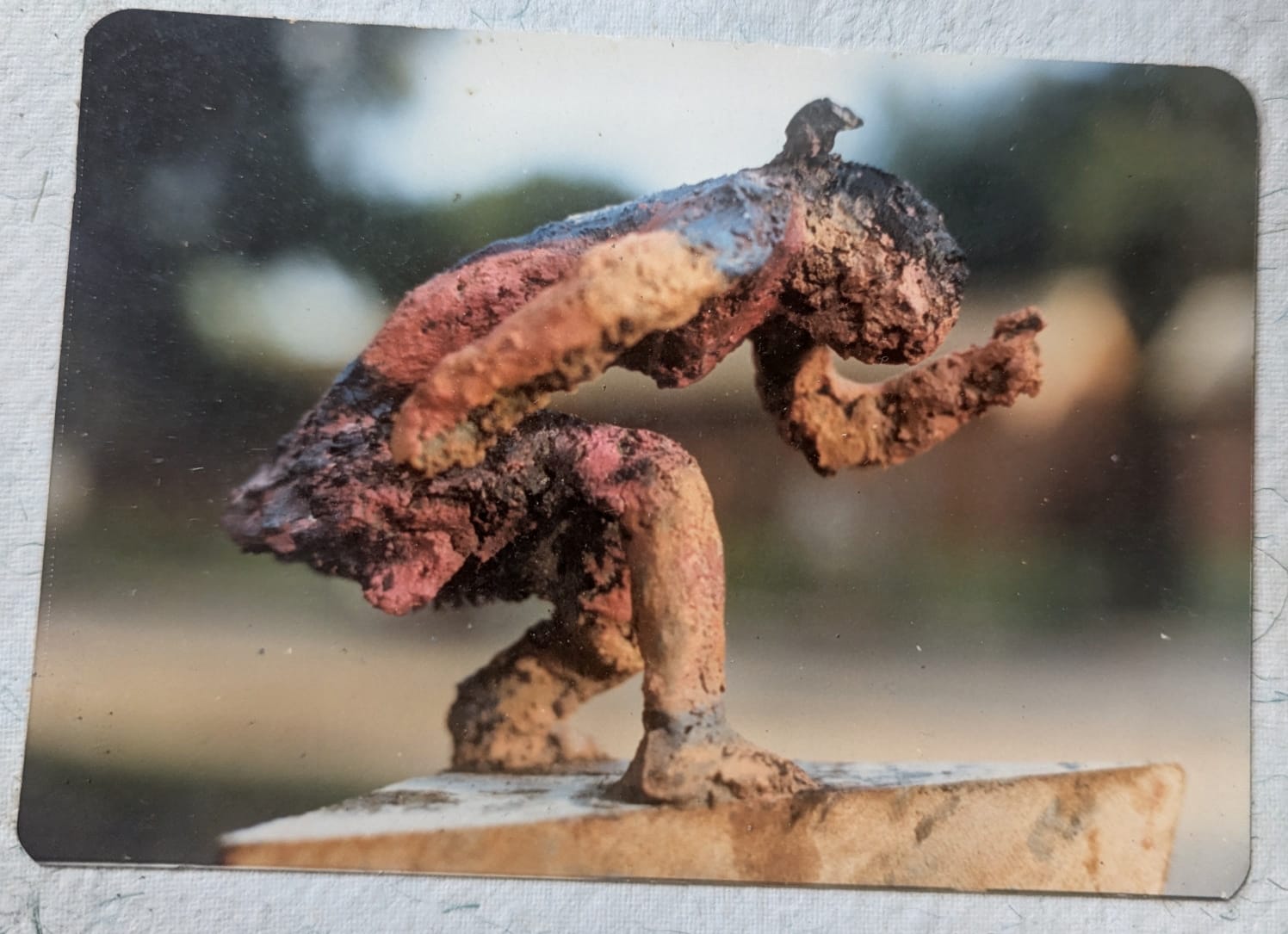
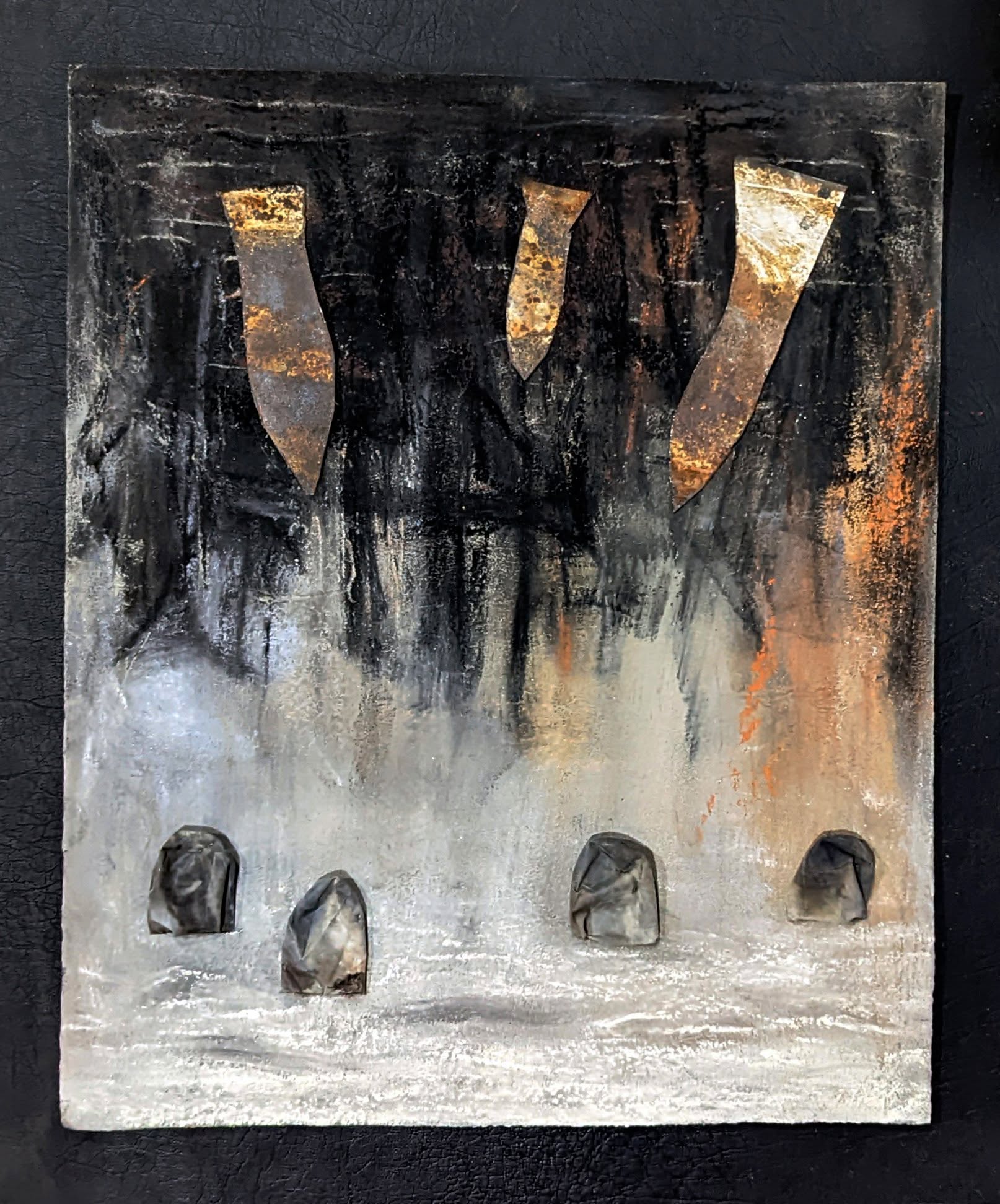
Trained in printmaking at the Royal College of Art and fine arts in Baroda, I move between paint, paper and process. These works are studies in emotion, texture and quiet observation.
Works by Ravi Rao. Click any piece to view full screen.
This collection is being curated. Works coming soon.
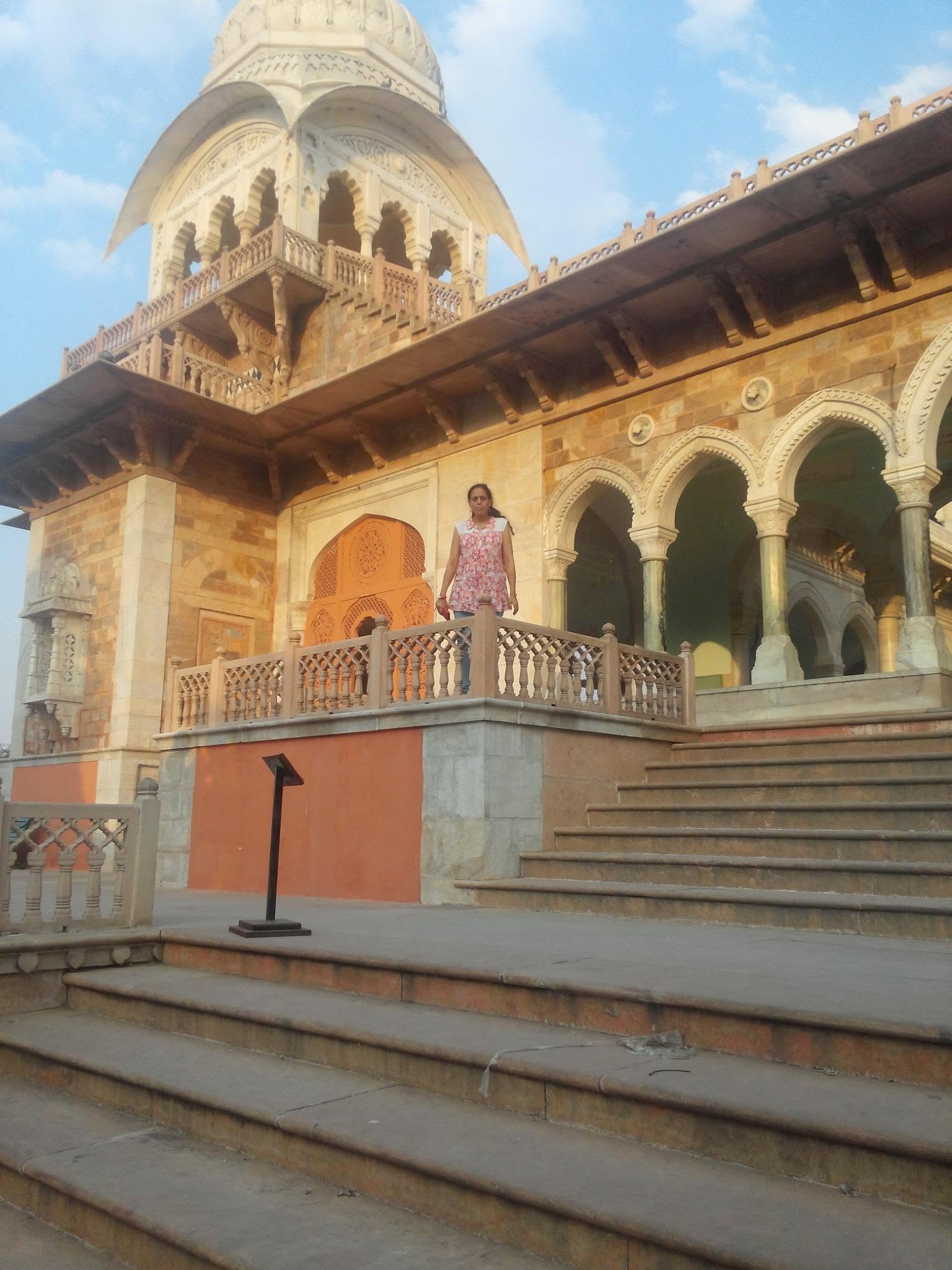
A lifelong habit of looking closely. Curated collections from travel, the street, and the quiet in-between moments — people, nature and the abstract patterns of the world.
Photographs by Ravi Rao. Click any image to view full screen.
Photographs by Ravi Rao. Click any image to view full screen.
Long-form thinking on UX leadership, design thinking, AI and human experience, product innovation, and the place where art meets technology.
Great design leadership is mostly invisible: protecting focus, removing friction, and making space for people to do the best work of their careers.
The press rewards patience, iteration and constraint — the same forces that quietly shape every good product I've worked on.
The tools people use all day deserve the same care we give consumer apps. Calm, clarity and craft are not luxuries here — they are the product.
The most valuable discovery work usually points at the thing the team has been avoiding. That discomfort is a signal worth following.
For leadership roles, consulting, speaking engagements, creative collaboration or to enquire about a piece — I'd love to hear from you.
A focused 45-minute session on UX strategy, product direction or design leadership.
Request a time →
Product & UX Design — Ravi Shankar Rao
An AI-assisted video surveillance workspace for the SmartApp SAFETY™ module. Site cameras — "AI Bulbs" screwed into ordinary fixtures — stream onto one live wall, and computer vision flags the moments a safety manager can't afford to miss.
{{ sec.t }}
Product & UX Design — Ravi Shankar Rao
Product & UX Design — Ravi Shankar Rao

Product & UX Design — Ravi Shankar Rao
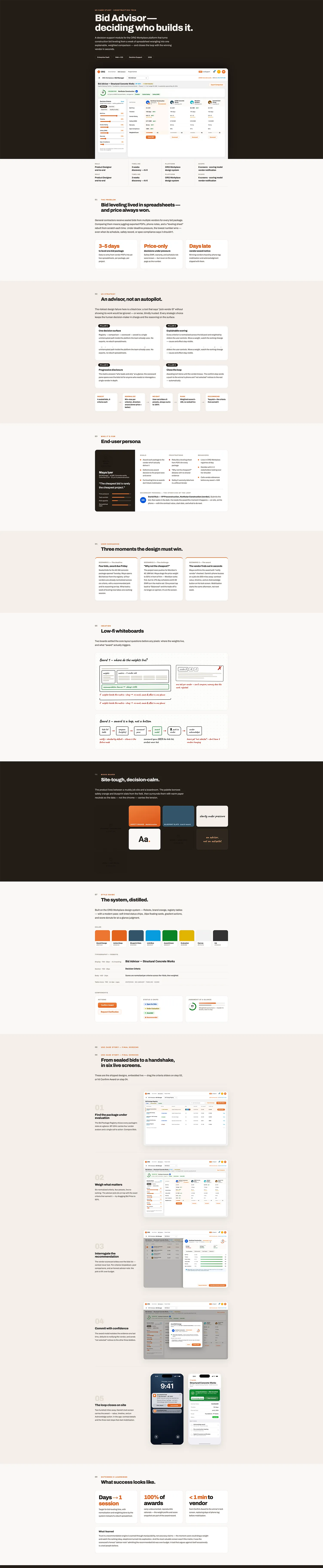
A decision-support module that turns construction bid leveling from a week of spreadsheet wrangling into one explainable, weighted comparison — and closes the loop with the winning vendor in seconds.
{{ sec.t }}
Product & UX Design — Ravi Shankar Rao
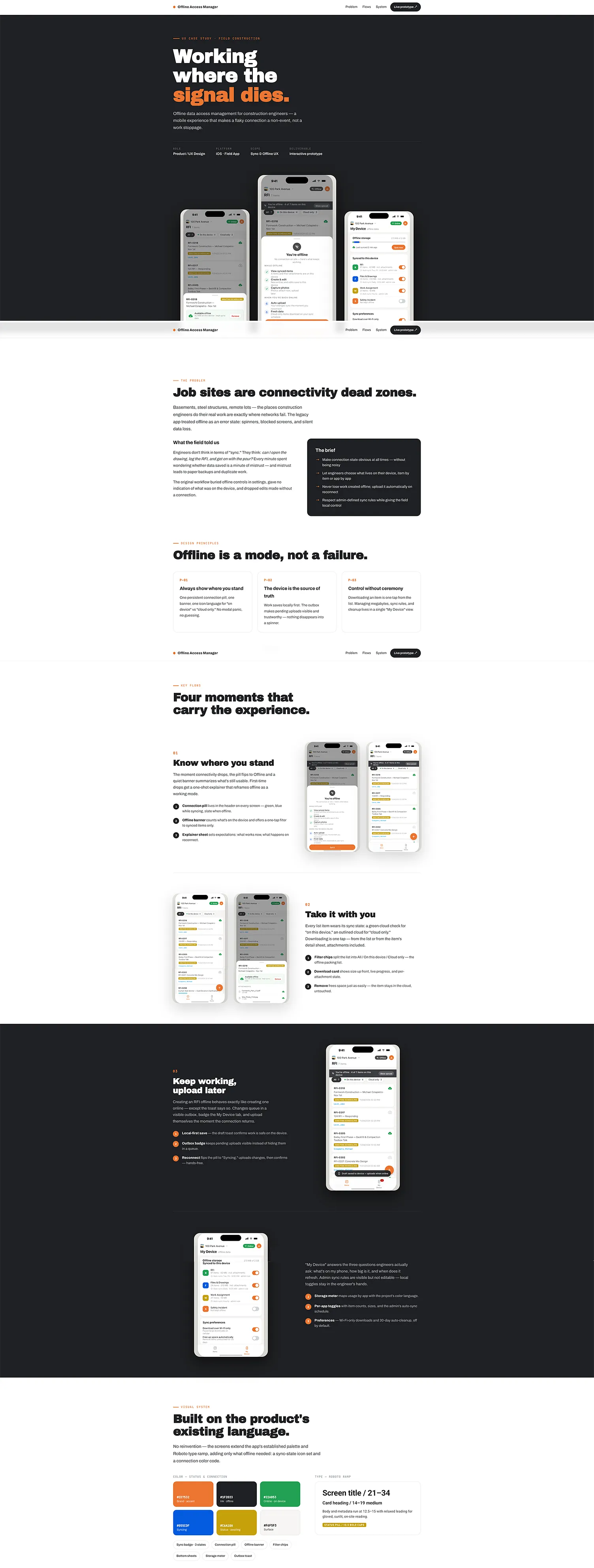
Offline data access management for construction engineers — a mobile experience that makes a flaky connection a non-event, not a work stoppage.
{{ sec.t }}
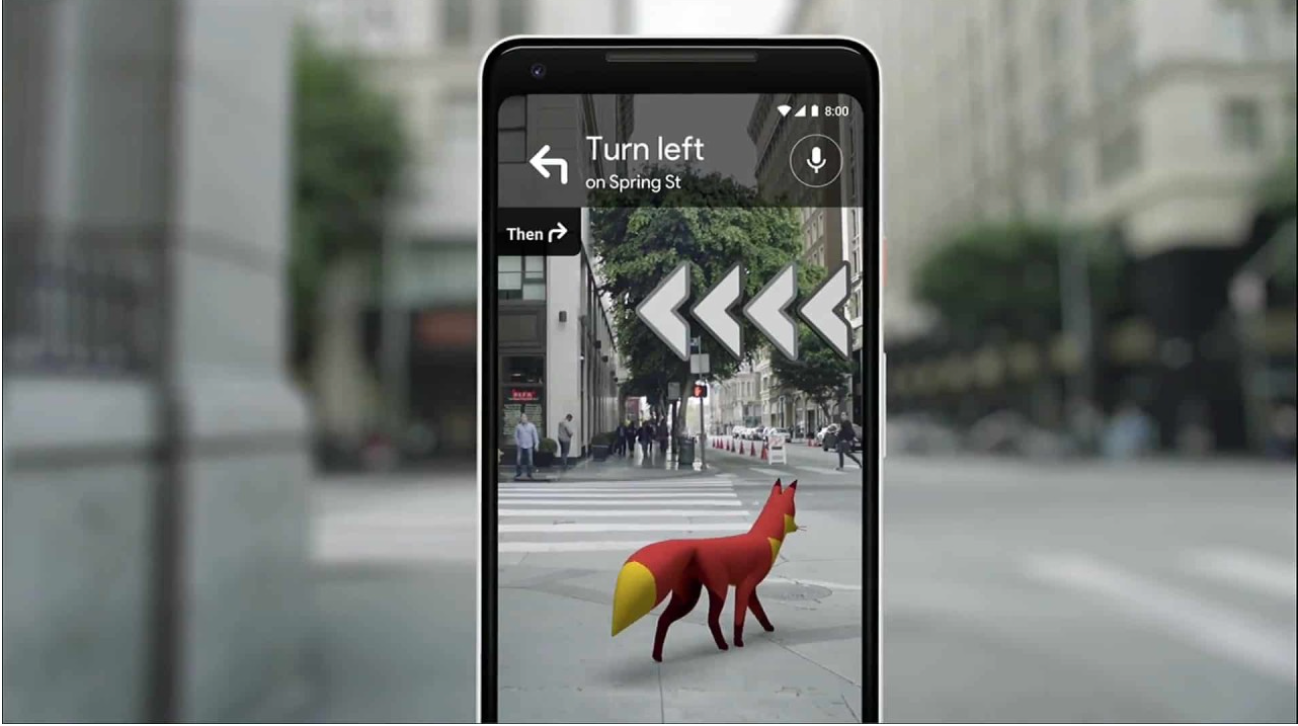
Photo Credit: Google AR · Article by Ravi Shankar Rao
After my first pilot AR project, I infer that the Augmented Reality experience should complement, rather than replace, the main ways of interacting with information.
{{ sec.t }}
{{ sec.t }}
Sourced
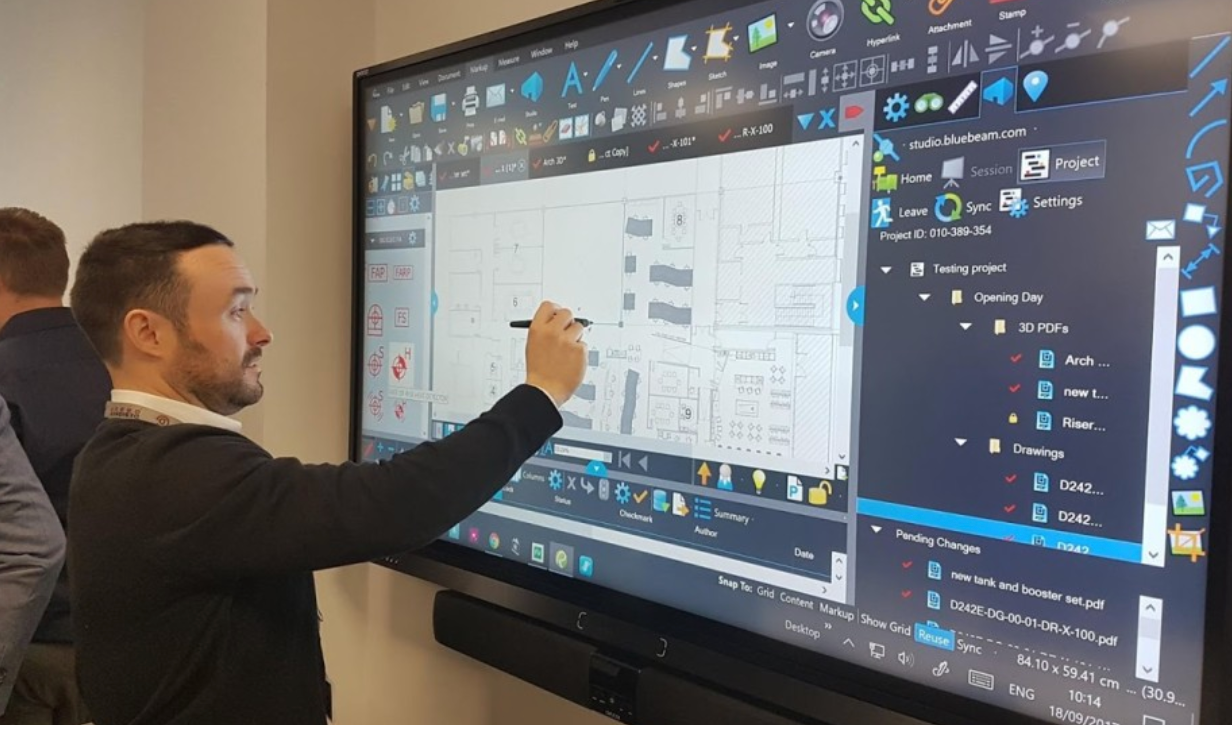
Designing an app for large-sized interactive TVs comes with a unique set of challenges and breakthroughs. When dealing with a massive display, everything about the user experience is amplified — the pleasure and the fun, as well as the physical effort and the frustration. Attempting to use touch on sites and apps that are not optimized for it is, frankly, exhausting and boring.
Creating compelling touch interaction requires a deep understanding of familiar gestures and knowing how to deploy them appropriately.
When designing links and buttons for computer screens and phones, we inherently consider Fitts's Law: the time to acquire a target is a function of the distance to, and size of, the target.
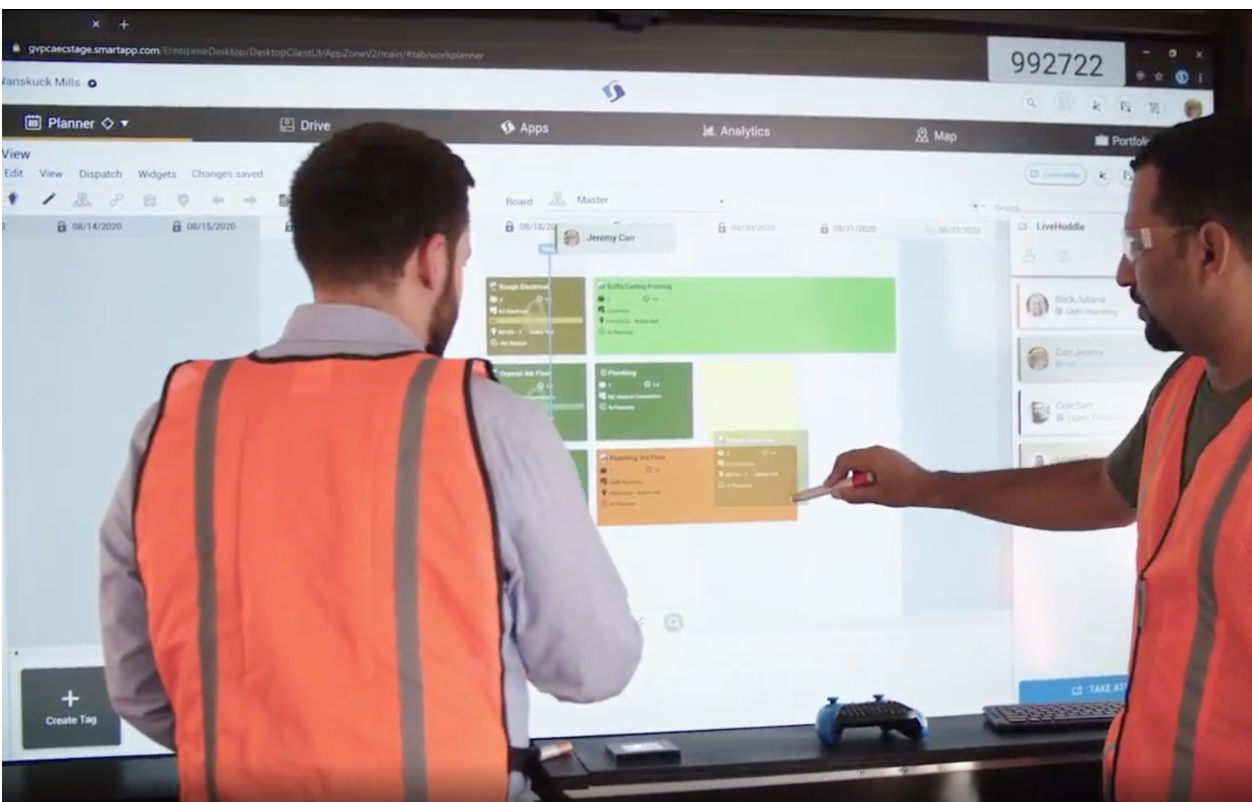
To design effectively for large screens, we must closely consider human physical traits and capabilities:
Note: While distance and reach take center stage, target size remains essential to ensure accurate, frustration-free interaction.
Key global components — such as zoom, search, and comments — should be easily accessible irrespective of which side of the TV the user is standing on. Duplicate these triggers on both sides of the screen to minimize unnecessary walking.
Improve accessibility by embedding sub-option menus inline. This ensures that the options stay contextual and reachable, regardless of which part of the screen is currently in focus.
Leaving a large monitor or TV on for days on a static image can result in near-permanent image burn-in.
Interactive TVs excel in collaborative, presentation-heavy environments by turning the presenter into a dynamic performer. They are uniquely suited for broadcast journalism, where anchors mark up live media and navigate data dashboards; education, where teachers seamlessly blend digital blackboards with rich media; and the AEC (construction) industry, where teams huddle to review architectural blueprints and navigate 360-degree project sites.
Designing Agent Studio — a no-code surface that lets construction teams build, scope & deploy their own Brena AI agents, wired into the exact knowledge and tools of their jobsite.
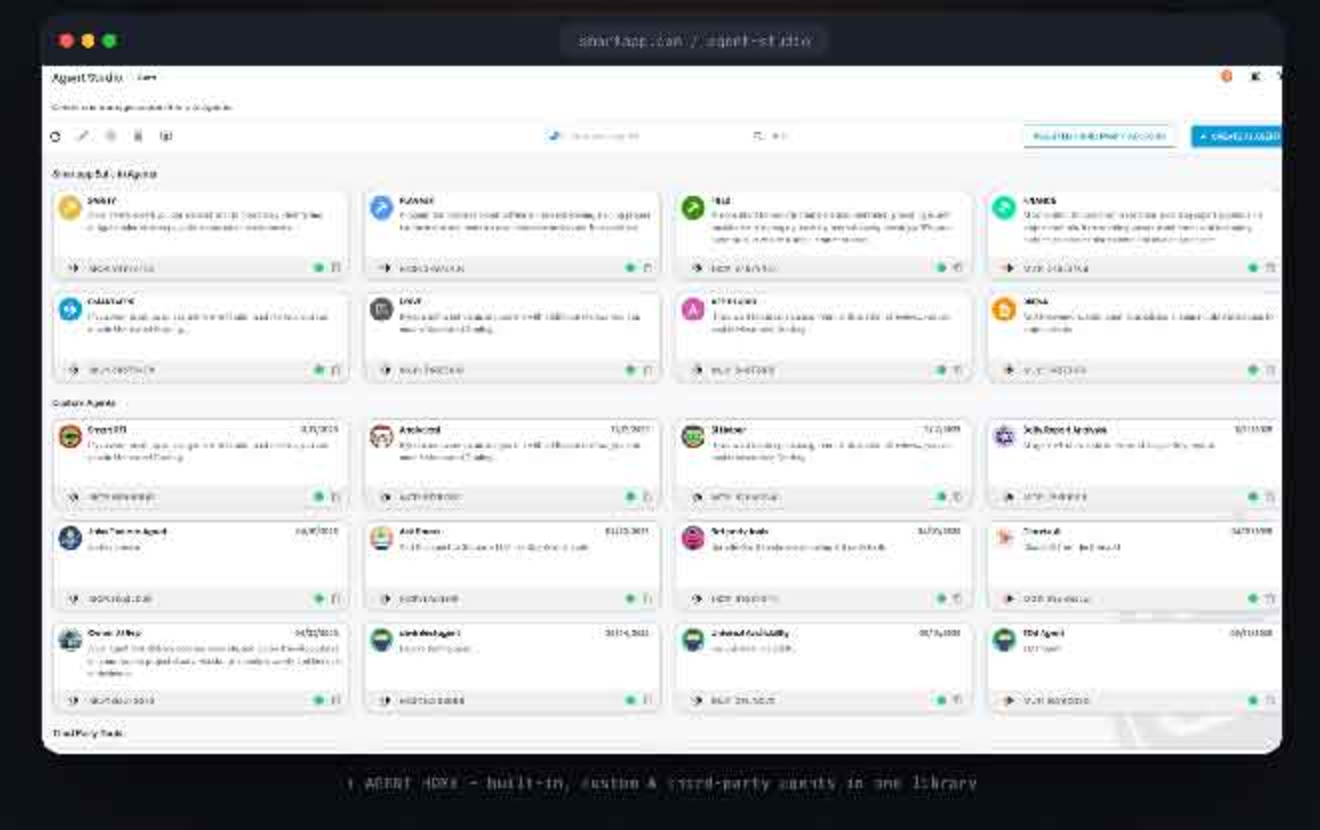
↑ Agent Home — built-in, custom & third-party agents in one searchable library.
Smartapp ships eight built-in AI agents — one per module. They're capable, but generic. A precast subcontractor and a hospital GC get the exact same assistant, with no way to teach it their workflow, their tools, or their definition of "done."
Agent Studio flips that model: a visual builder where any team composes a custom agent from the platform's knowledge and tools, connects outside systems over A2A or MCP, and ships it to the field in minutes.
We interviewed 14 users across 6 roles. Four pain points showed up on every wall.
Eight generic agents, identical for every contractor and project type. No way to encode a team's own process.
Drawings, RFIs, daily reports, materials — the context an agent needs is spread across every module.
Teams live in Procore, Zapier and Slack. The assistant couldn't see or act in any of them.
Field crews won't delegate to a black box. They need to see exactly what an agent can read and do.
Reuse the platform's existing knowledge & tools as building blocks — no engineering ticket required.
Every capability is opt-in and visible. The agent can only touch what you explicitly check.
No multi-step wizard. Name, instruct, scope and ship — all inside a single modal.
Speak A2A & MCP so the wider ecosystem extends the product instead of fighting it.
No wizard, no dead ends. The whole build collapses into a single modal with progressive disclosure — name it, scope it, ship it.
Scan built-ins, custom builds & connected tools in the library.
Name it, pick who it acts as, write plain-English instructions.
Check the exact knowledge & tools, across any module.
Optionally wire in outside agents or tools via A2A / MCP.
Hit Create — live instantly, with a copyable MCP endpoint.
Built-ins, custom builds and third-party tools live in one searchable, groupable library — each card a live, copyable MCP endpoint.
On mobile, tapping an agent switches the active one in place. The chosen agent replies using only the knowledge & tools it was scoped to — nothing more.
Teams already run Linear, Zapier, Stripe. Rather than rebuild, Agent Studio speaks two open protocols — one toggle reshapes the whole connect form, so there's never a wrong door.
Delegate work to an outside agent.
Register a server, get scopable tools.
Rather than two near-identical screens, the protocol switch swaps a single field and its validation. Fewer decisions, less to learn, and connected tools land back in the same library — selectable in the knowledge / tools tree like anything native.
An agent is only as good as what it can see and do. The knowledge / tools tree is where consent gets granted — read and write split everywhere, the CTA stays disabled until the scope is valid.
Every agent exposes a one-click MCP id, so it's callable from anywhere on day one.
A single toggle redraws the entire knowledge set — local context or company-wide.
The protocol switch reshapes one form instead of forcing a choice between two screens.
Asterisks are the brand orange, not alarm red — required isn't an error.
Knowledge and Tools are split everywhere, so granting consent stays legible.
Create stays disabled until the scope is valid — the button reflects real state.
Construction-orange brand, cyan action color, a safety-signage status palette, Roboto throughout. Agent Studio added nothing the system didn't already have — it just composed it.
Figures from the closed beta — 32 GCs, 9 weeks. Directional, not audited.
Agent versioning & rollback — iterate without breaking what's already live in the field.
A shared template gallery — install a "Closeout Auditor" or "RFI Closer" in one click.
Per-agent usage analytics — which tools fire, and what gets escalated to a human.
"We built a 'Closeout Auditor' on a Friday. By Monday it had flagged 12 missing O&M docs nobody caught."